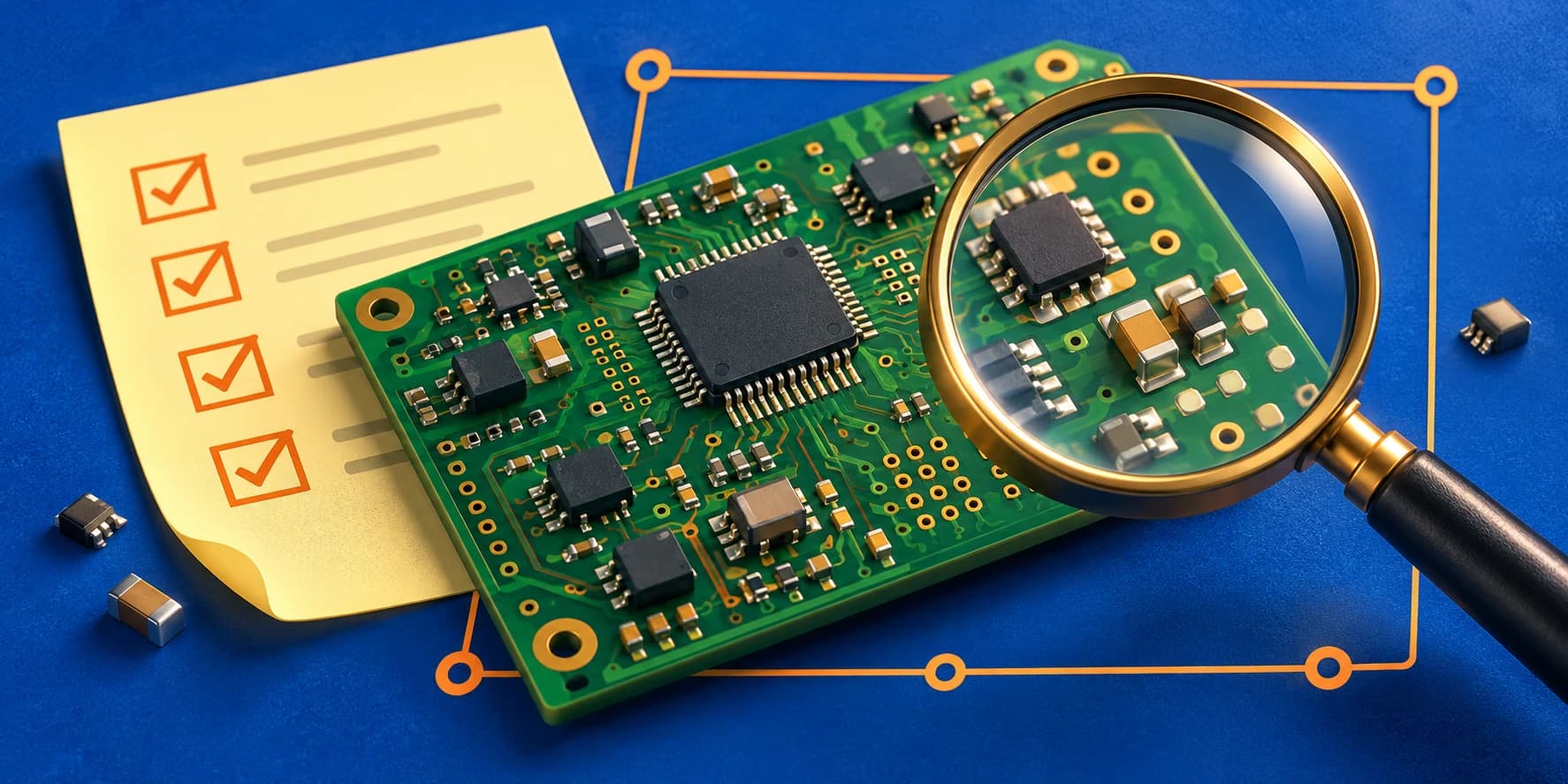
What to Send a PCB Designer Before Requesting a Quote
The most useful thing you can send a PCB designer is clarity about the board you need—and the decisions still open.

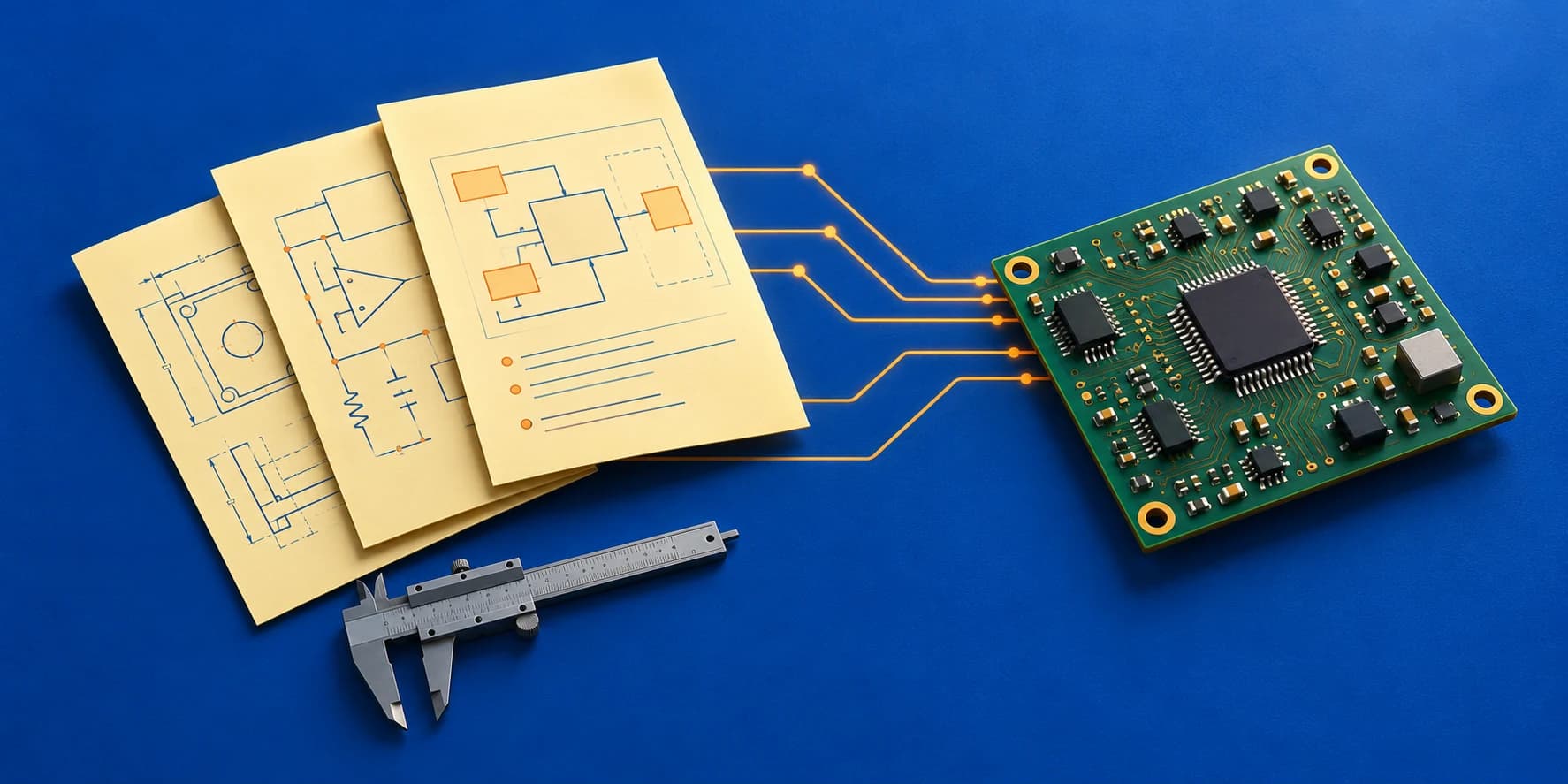
“I need a small PCB with a microcontroller. How much will it cost?” It is a reasonable first question. But it describes a category of product, rather than the engineering work needed to build it.
Two boards with the same controller can need very different effort. One may be a layout from an approved schematic. The other may need power architecture, component selection, custom footprints and a circuit design before the first track is routed.
A useful PCB design brief explains the product, the starting point and the expected handoff. You do not need every answer before making contact. You do need to separate confirmed requirements from decisions that need engineering support.
1. Define the job before describing the board
Start with one sentence about what the product does and another about the help you need. “A battery-operated controller for a handheld instrument; schematic and PCB design from an approved block diagram” is much easier to scope than “an IoT board.”
Identify the starting stage: concept, block diagram, circuit notes, completed schematic, existing PCB or a board revision. Then say whether you need schematic capture, layout, a design review or a complete hardware implementation.
This distinction is visible in my portfolio. The Smart GST Calculator case study covers architecture, schematic capture and PCB design. The TMR actuator driver case study covers PCB layout from a client-supplied schematic and architecture. Both involve PCB work, but their responsibilities are different.
3. Put mechanical constraints on a drawing
“Small enough to fit the enclosure” leaves important questions unanswered. Supply the board outline, mounting-hole positions, connector locations and available component height. Specify units and distinguish fixed dimensions from suggestions.
A dimensioned PDF is useful for discussion; a STEP model or agreed mechanical drawing can help check the enclosure interface. Include restrictions on parts placed underneath the board, cable access, antenna space and the distance needed around screw heads.
If the enclosure is still being developed, say so. A quotation should explain whether mechanical changes are part of the engagement and when the outline and connector positions must be frozen.
4. List interfaces and power requirements precisely
Write down the controller or module, displays, sensors, motors, radios and external connections. Use exact part numbers where they are selected. “UART” alone does not tell a designer whether a connection is logic-level UART or needs an RS-232 or RS-485 transceiver.
For power, state the input range, required rails and expected loads. Separate typical current from peak demand where known. Include battery chemistry, charging requirements, operating modes and any target runtime. If these have not been calculated, identify power-budget development as work to be included.
Also identify environmental and product requirements that affect the design: temperature range, electrical isolation, noisy motor loads or intended compliance testing. These guide the engineering scope; listing them does not mean compliance is already established.
| Broad description | More useful information |
|---|---|
| A small wireless board | Outline drawing, selected radio/module, antenna arrangement and enclosure restrictions |
| It connects to another board | Connector pinout, voltage levels, physical-layer interface and cable information |
| It runs on a battery | Chemistry, charging source, load profile and runtime target—or a request to develop them |
| I need the PCB files | Native project, fabrication outputs and assembly deliverables that you expect |
5. Agree on the handoff, not just the layout
Tell the designer whether the board is for a first prototype or a production revision. Share the fabrication and assembly provider’s requirements if a provider is selected. Layer count, stack-up, controlled impedance and assembly constraints need to be considered together rather than guessed from a drawing.
Define the release package. Depending on the engagement, this can include native design files, schematic PDF, Gerber and drill files, a BOM with manufacturer part numbers, placement data, and fabrication or assembly drawings.
Decide who handles firmware, procurement, assembly, prototype testing and certification. These are separate responsibilities that can affect the timeline even when the PCB design itself is complete. Include your target date, review availability and the number of planned revision rounds.
A project brief you can reuse
Copy the template below and fill in what you know. “To be confirmed” is a useful answer when paired with who will make the decision. It is more honest—and more actionable—than an unstated assumption.
Product and purpose:
Users and operating environment:
Current stage and latest revision:
Requested work: schematic / layout / review / other
Design tool and version:
Files available:
PCB outline, mounting and height limits:
Selected controller, modules and key parts:
Interfaces, connector pinouts and voltage levels:
Power input, rails, loads and battery requirements:
Fabricator / assembler and known design rules:
Required release deliverables:
Prototype testing and other responsibilities:
Target deadline and review availability:
Confirmed requirements:
Open decisions and their owners:
Download the blank brief (.txt)
Compare quotations by scope as well as price
A lower quotation may cover fewer deliverables, fewer revisions or a different starting point. Compare what each designer will receive, what they will produce and how changes will be handled.
Look for milestones that make the work reviewable: requirements agreement, schematic review, placement or layout review, and final file release. Ask what information is needed before the schedule begins and what happens if a selected part or enclosure changes.
The best next step is to send a concise brief and your current files. That gives us a concrete starting point for deciding whether you need a new design, layout support or an independent review—and for discussing an appropriate quotation.

Dhara Rajpura
Freelance PCB design and embedded hardware engineer working with Altium Designer and KiCad. Explore my documented project scope and engineering services.
About Dhara ↗